
Download PrinterShare – Free Secure Printing Tool for Windows, Mac, Android & iOS
Why PrinterShare Is a Game-Changer for Remote Printing
In today’s fast-paced digital world, the need to print documents on the go has become more common than ever. Whether you're working from a coffee shop, traveling abroad, or simply don’t have a printer at home, PrinterShare offers a brilliant solution. This innovative software allows you to print from any device—Windows, Mac, Android, or iOS—by connecting to a shared printer over the Internet.
No more worrying about missing a crucial document at the last minute. With PrinterShare, you can instantly locate nearby printers, or even share your own printer with friends, family, or colleagues across the globe. The app integrates seamlessly into your existing workflow, appearing directly in the print menu of any Windows application, making the process as simple as selecting a printer from a dropdown list.
You don’t need to install complex drivers or configure network settings—just create a free account during setup, and you’re ready to go. The platform is designed with security in mind, ensuring your print jobs are encrypted and your data remains private. Whether you're printing a business report, a passport photo, or a heartfelt letter for a loved one, PrinterShare makes it effortless.
It’s not just a tool—it’s a smart, modern answer to the age-old printing dilemma.
Key Features That Make PrinterShare Stand Out
- Remote Printer Access – Connect to any printer shared by another user, no matter the location, and print documents instantly.
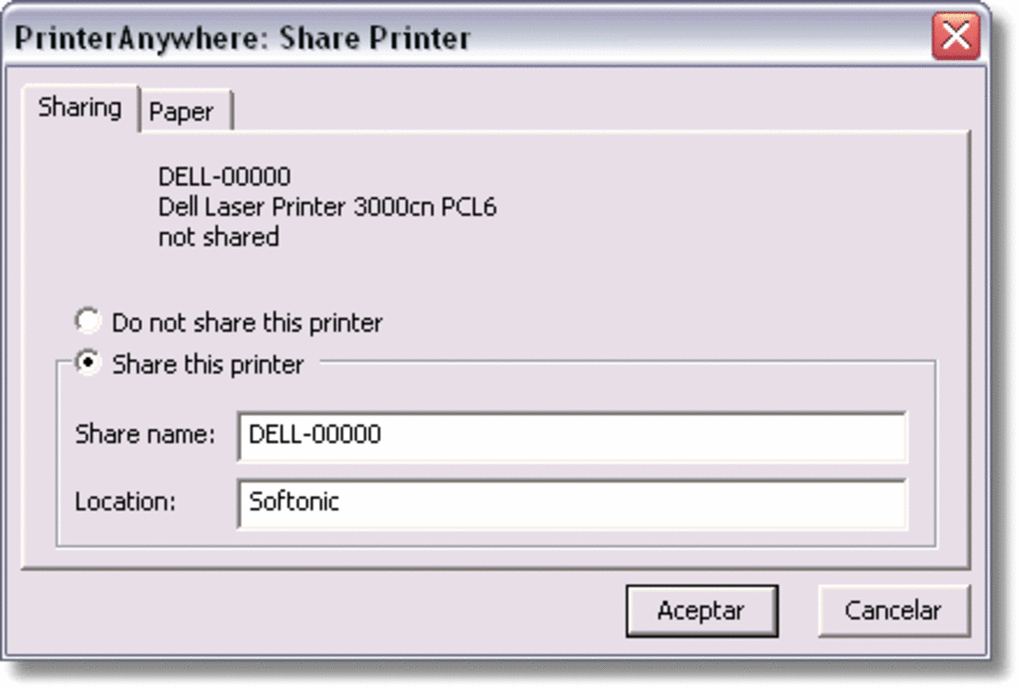
- Printer Sharing – Share your personal printer with others securely via the cloud, enabling remote printing from anywhere.
- Seamless Integration – Works directly within Windows applications, appearing as a standard printer in the print dialog box.
- Cross-Platform Compatibility – Available for Windows, Mac, Android, and iOS, ensuring you can print from any device.
- Secure Cloud Encryption – All print jobs are encrypted during transmission, protecting sensitive documents.
- Printer Discovery – Automatically detects nearby shared printers in your area, ideal for travelers or remote workers.
- Free and Easy Setup – Create an account in seconds and start printing without complex configurations.
One of the standout features of PrinterShare is its ability to bridge the gap between physical and digital printing. Unlike traditional printing methods that require local network access or USB cables, PrinterShare uses cloud-based technology to link your device to a printer anywhere in the world. This means you can print a contract at a hotel in Paris or send a birthday card to your sister in Tokyo—all from your smartphone.
The app also supports a wide range of file types, including PDFs, Word documents, images, and more, ensuring full compatibility with your daily workflow. For users who frequently travel or work remotely, this feature is nothing short of revolutionary. Additionally, PrinterShare’s intuitive interface ensures that even first-time users can navigate the app with ease.
The ability to share your printer with others is especially useful for families or small offices where multiple people need access to a single printer. Whether you're a freelancer, student, or corporate professional, PrinterShare adapts to your needs and simplifies the printing process like no other tool on the market.
How to Install and Use PrinterShare on Your Devices
Getting started with PrinterShare is quick and straightforward. First, visit the official website and download the appropriate version for your operating system—whether you're using Windows, Mac, Android, or iOS. The installation process is smooth, taking less than two minutes.
During setup, you’ll be prompted to create a free account. This step is essential for accessing the cloud-based printing network, but it only requires your email address and a password. Once registered, the app will automatically detect your local printer (if available) or allow you to connect to a shared one.
On Windows and Mac, PrinterShare integrates directly into the system’s print dialog, so you’ll see it listed alongside other printers when you press Ctrl+P or Command+P. Simply select PrinterShare as your printer, and your document will be sent to the cloud for processing. On mobile devices, open the PrinterShare app, choose the printer you want to use, and upload your file.
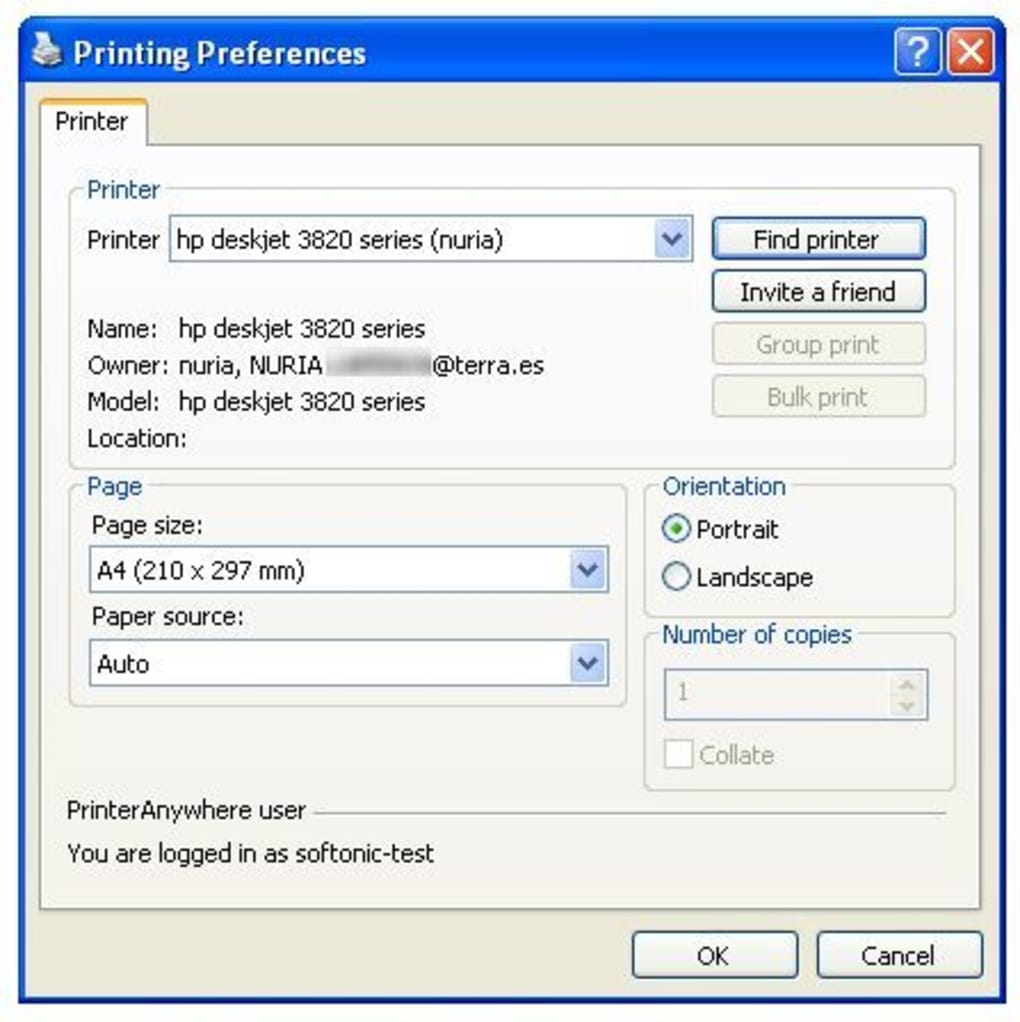
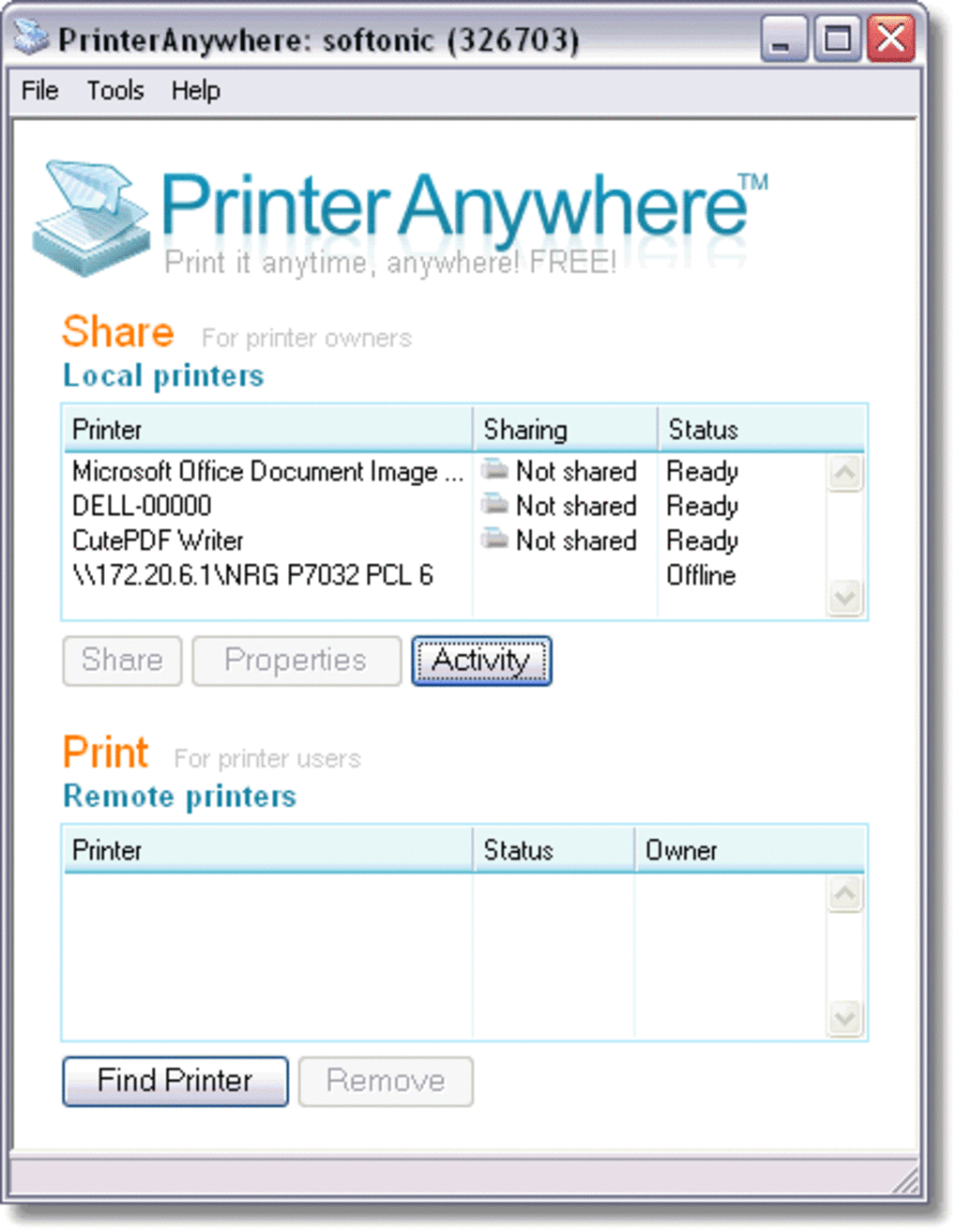
The app supports printing from any app that allows sharing, such as email, Google Drive, or photo galleries. For advanced users, PrinterShare also offers a desktop client with additional settings, including print job history, printer status monitoring, and custom print preferences. Regular updates ensure the software remains secure and compatible with the latest operating systems.
The developers are committed to improving the user experience, frequently adding new features based on customer feedback. Whether you're printing a single page or a full report, PrinterShare delivers fast, reliable results with minimal effort.
Compatibility and System Requirements
PrinterShare is designed to work across a wide range of devices and operating systems. It supports Windows 7 and later, including Windows 10 and Windows 11, making it ideal for both home and office users. On macOS, the software is compatible with macOS 10.14 (Mojave) and newer, ensuring smooth performance on Apple’s latest hardware.
For mobile users, PrinterShare is available on Android 5.0 and above, as well as iOS 11.0 and later, covering nearly all modern smartphones and tablets. The app is lightweight, consuming minimal system resources, so it won’t slow down your device. Internet connectivity is required for remote printing, but the app is optimized for both Wi-Fi and mobile data.
No special hardware is needed—just a standard printer connected to a computer or a network. PrinterShare supports most common printer brands, including HP, Canon, Epson, Brother, and Lexmark, as long as they are connected to a device running the PrinterShare client. For users who want to share their printer with others, the software provides secure authentication and access controls, so you can grant or revoke permissions at any time.
This level of compatibility makes PrinterShare one of the most versatile printing tools available today. Whether you're using a budget laptop, a high-end desktop, or a smartphone, you can rely on PrinterShare to deliver consistent, high-quality printouts. The developers regularly test the app with new OS updates to ensure stability and performance, giving users peace of mind when upgrading their devices.
Pros and Cons of Using PrinterShare
Pros
- Free to download and use with essential features included
- Secure cloud-based printing with end-to-end encryption
- Seamless integration with Windows and Mac print dialogs
- Supports remote printing from any device, anywhere in the world
- Easy account creation and quick setup process
- Great for travelers, remote workers, and students
- Allows sharing your printer with others securely
Cons
- Free version has limited access to advanced features
- Requires stable internet connection for remote printing
- Print quality depends on the shared printer’s capabilities
- Some users report occasional delays in print job processing
- Not all printers are compatible with cloud sharing
Frequently Asked Questions (FAQ)
Is PrinterShare free to use?
Yes, PrinterShare offers a free version that includes core features like remote printing and printer sharing. While the free plan has some limitations, it’s fully functional for most personal and light professional use cases.
Can I print from my smartphone using PrinterShare?
Absolutely! PrinterShare has dedicated apps for both Android and iOS, allowing you to print from any app that supports sharing—such as email, photos, or cloud storage services—directly from your smartphone.
How secure is PrinterShare when printing sensitive documents?
PrinterShare uses end-to-end encryption for all print jobs, ensuring your documents remain private and secure during transmission. Your account is protected with password authentication, and you can control who has access to your shared printer.
Do I need a special printer to use PrinterShare?
No, you don’t need a special printer. PrinterShare works with most standard printers connected to a Windows or Mac computer, as long as the computer is running the PrinterShare client and has an active internet connection.
Can I share my printer with others globally?
Yes, one of the key benefits of PrinterShare is the ability to share your printer with anyone, anywhere in the world. You can grant access to friends, family, or colleagues with just a few clicks, making collaboration and remote printing seamless.
Final Verdict: Why You Should Download PrinterShare Today
PrinterShare is more than just a printing tool—it’s a smart, secure, and flexible solution for modern users who need to print on the go. Whether you're a digital nomad, a student, or a remote worker, this software eliminates the frustration of being stuck without access to a printer. With its intuitive design, cross-platform support, and cloud-based infrastructure, PrinterShare makes remote printing as easy as sending an email.
The free version offers powerful functionality, while premium upgrades unlock advanced features for enterprise users. If you’ve ever missed a print deadline or struggled to find a working printer during travel, PrinterShare is the answer. Don’t wait—download the free version today and experience the future of printing.
Print from anywhere, share your printer securely, and never miss a deadline again.
CTA: Download PrinterShare Now – Free, Secure, and Easy to Use







